Ad Studio
Ad Studio is the main production hub of AutoReach — where you create all of your assets and ads.
Ad Studio is the main production hub of the entire platform. This is where you create all of your assets and ads. Open it from the sidebar, select a mode, and start generating.
Sessions
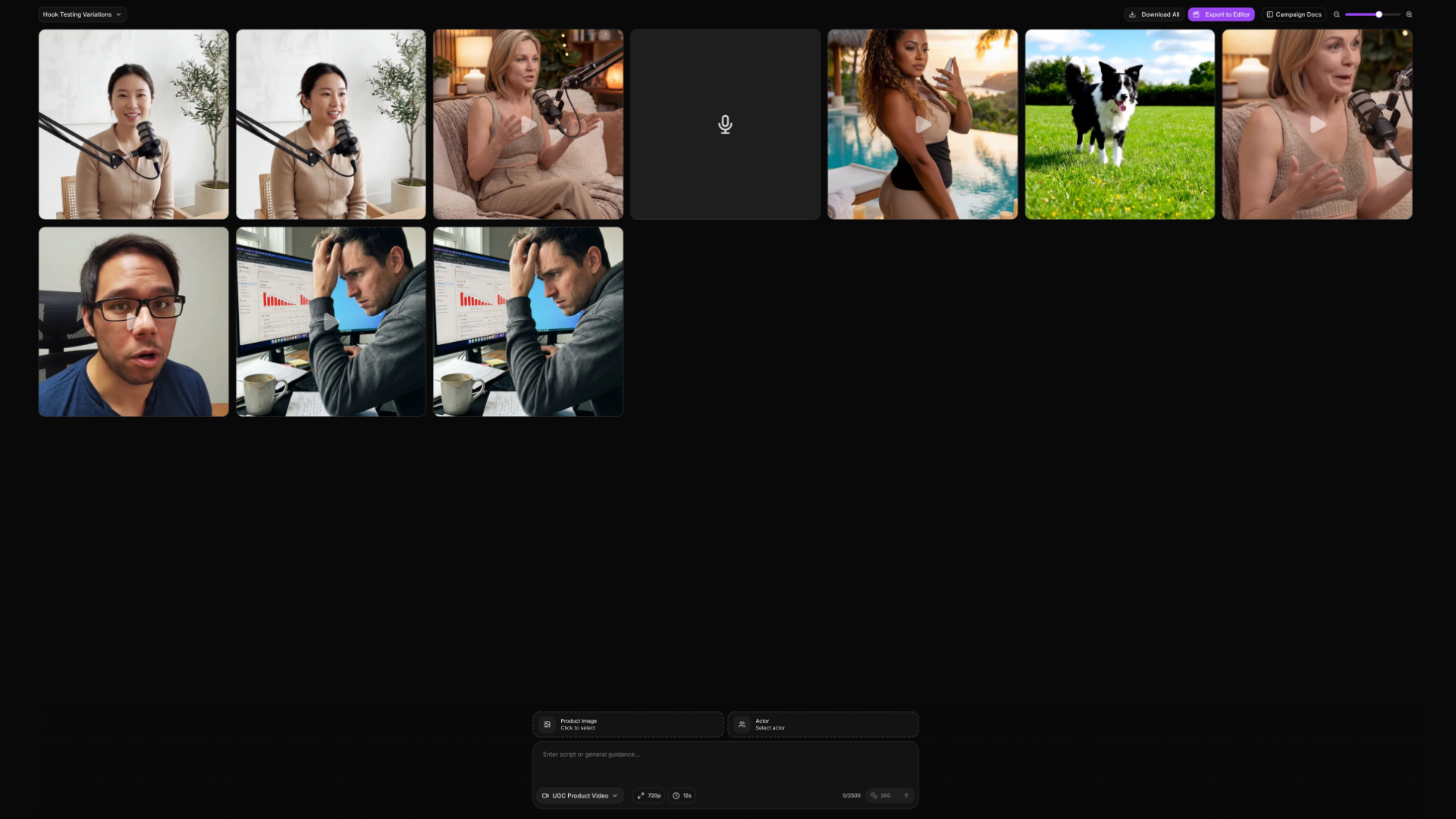
In the top corner of Ad Studio you have a session switcher. Each session is a group of assets you generated together. Create a new session for every ad or campaign and rename it however you want — this keeps your work organized by campaign, ad group, or any structure you prefer.
Mode Library
Click the mode switcher in the bottom left corner — it defaults to UGC Product Video. This opens the full Mode Library, which contains three categories:
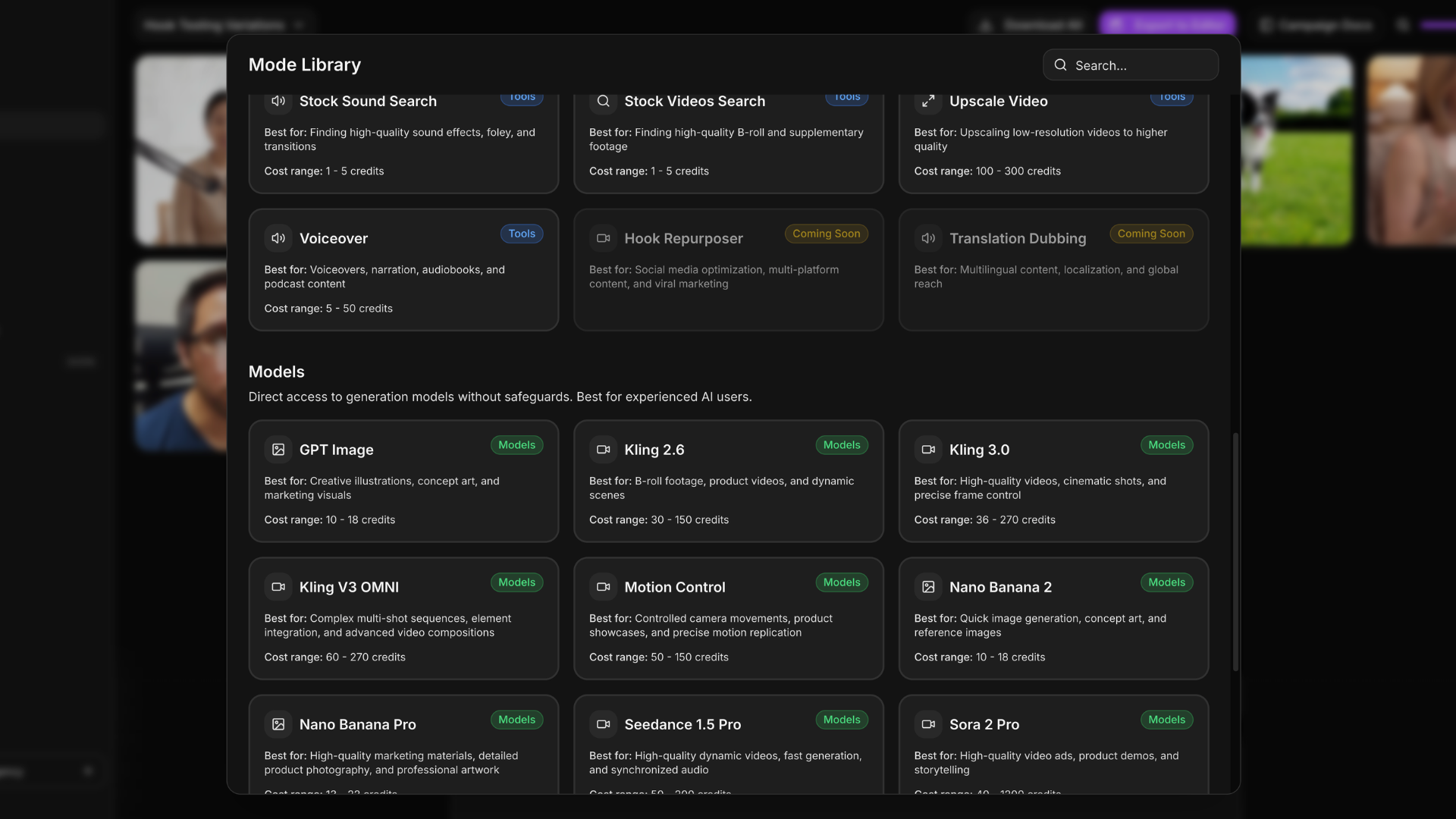
- Presets — Pre-configured formats for popular ad types. Select one, add your script or product, and generate.
- Models — Raw AI engines available in the Playground for full control with no guided format.
- Tools — Post-processing tools that work on existing assets: extend, upscale, dub, remove background, and more.
Campaign Docs
When you open Ad Studio from the Strategy Hub, a sidebar appears showing your campaign docs. You can drag it wider or narrower, or close it from the top corner and reopen it by clicking Campaign Docs.
This split view lets you reference the ideas, hooks, and scripts your AI generated in Strategy Chat while you work in the studio — without switching tabs or copy-pasting.